 Getting started
Digital planning for beginners
No matter which handwriting app you use on a tablet, computer, or phone, the core workflow is usually the same. This tutorial helps you learn those shared basics quickly.
Read tutorialPlanner tutorials
Practical, device-aware tutorials for starting, organizing, customizing, and connecting your digital planner.
Start hereFeatured beginner tutorial
No matter which handwriting app you use on a tablet, computer, or phone, the core workflow is usually the same. This tutorial helps you learn those shared basics quickly.
Read the tutorialA clear starting path
9 tutorials
Getting startedNo matter which handwriting app you use on a tablet, computer, or phone, the core workflow is usually the same. This tutorial helps you learn those shared basics quickly.
Read tutorial Resources
Learn how to download and use fonts, Goodnotes sticker books, handwriting practice sheets, brushes, covers, and other digital planning resources.
Read tutorial Customization
Personalize a complete planner after download with duplicate pages, imported covers, and transparent PNG stickers in your note-taking app.
Read tutorial Workflows
Open the matching date in Apple Calendar from a supported Planner page, move your handwritten schedule into calendar events, and add reminders that sync across devices.
Read tutorial Workflows
Install Planner's Apple Shortcut, choose your usual note-taking app, and unlock supported automations across Planner.
Read tutorial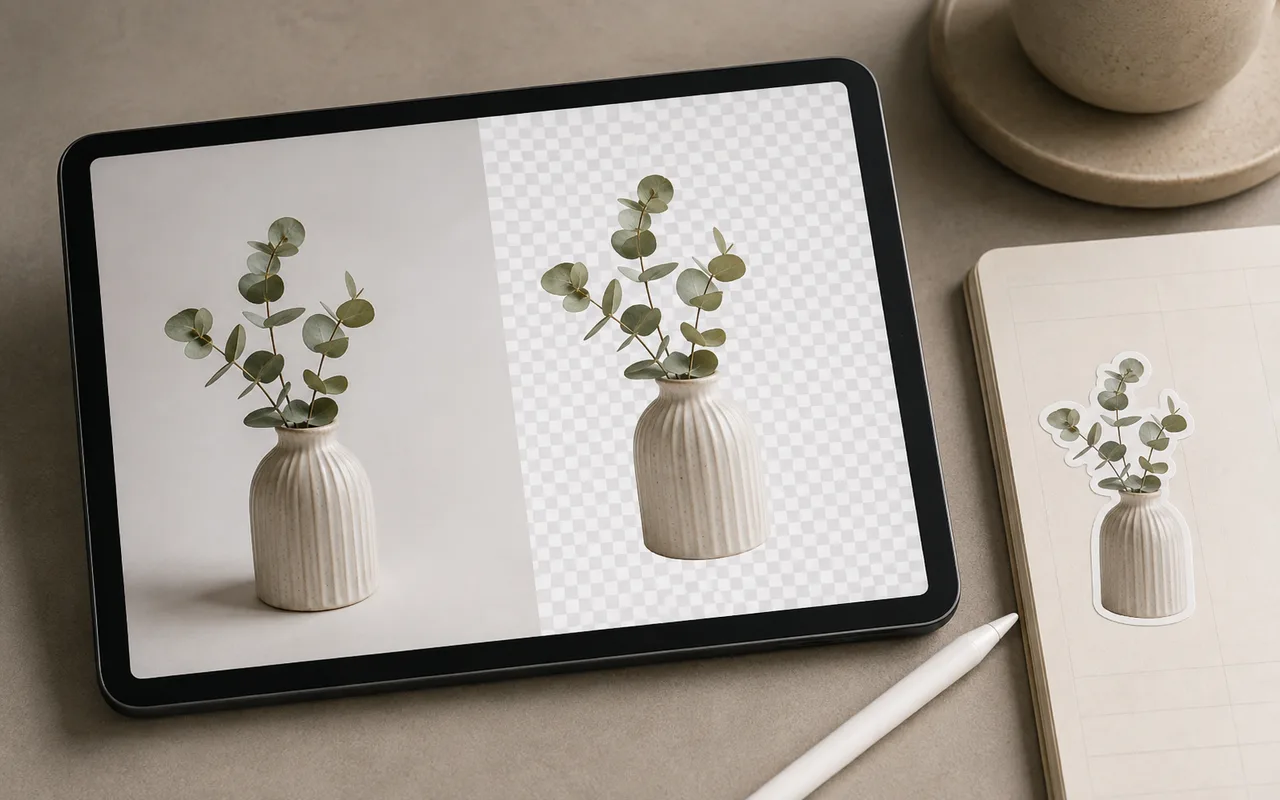 Materials
Use Planner's automatic cutout action to remove a sticker background, copy the result, and paste the transparent subject into your planner.
Read tutorial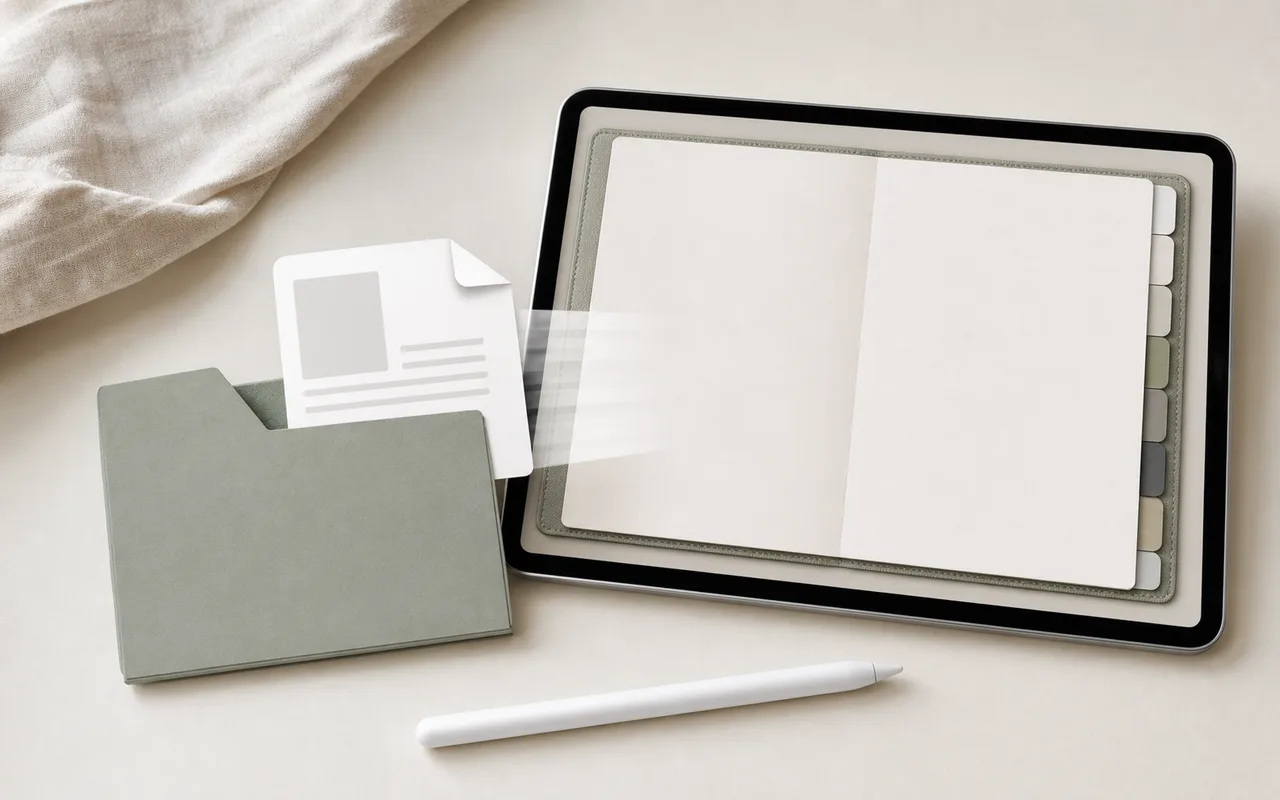 App tutorials
A focused import and navigation walkthrough, including the most common reason hyperlinks appear not to work.
Read tutorial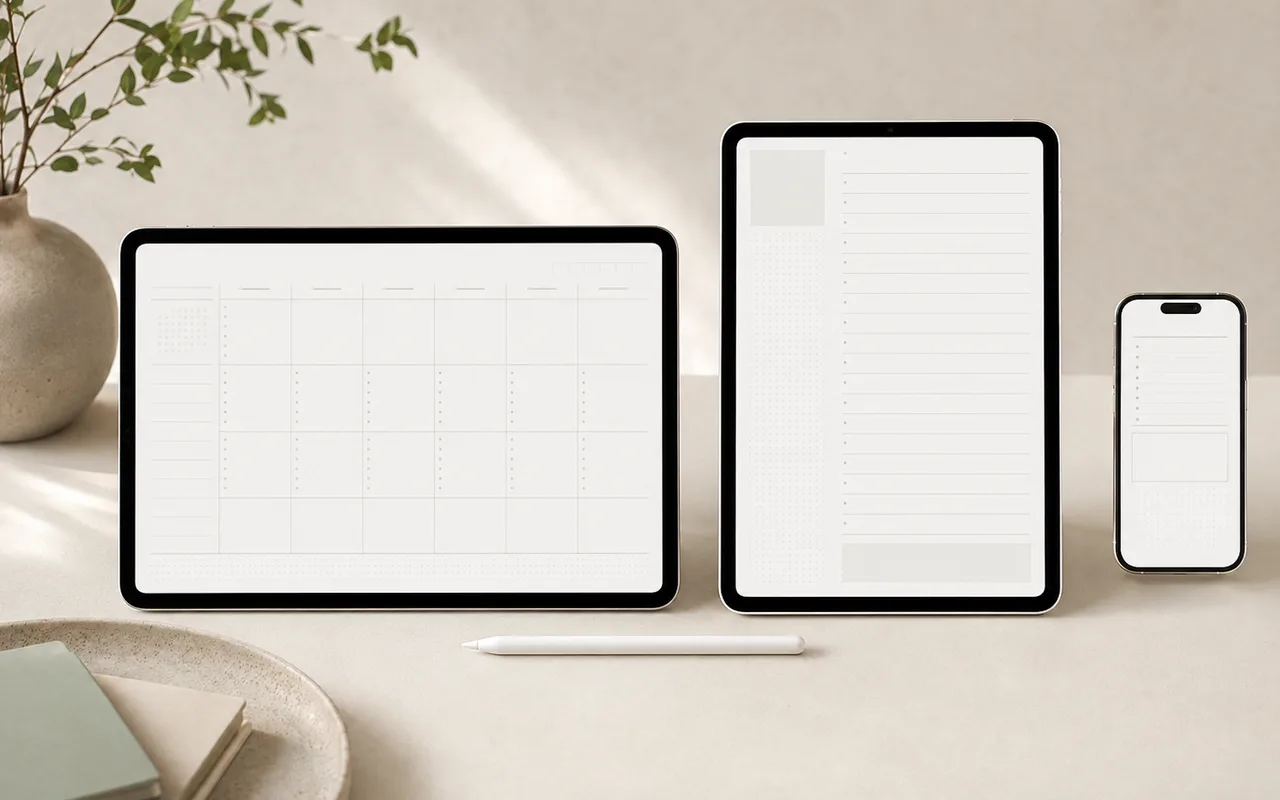 Planning basics
Match your planner orientation to where and how you write—not to what looks best in a product preview.
Read tutorial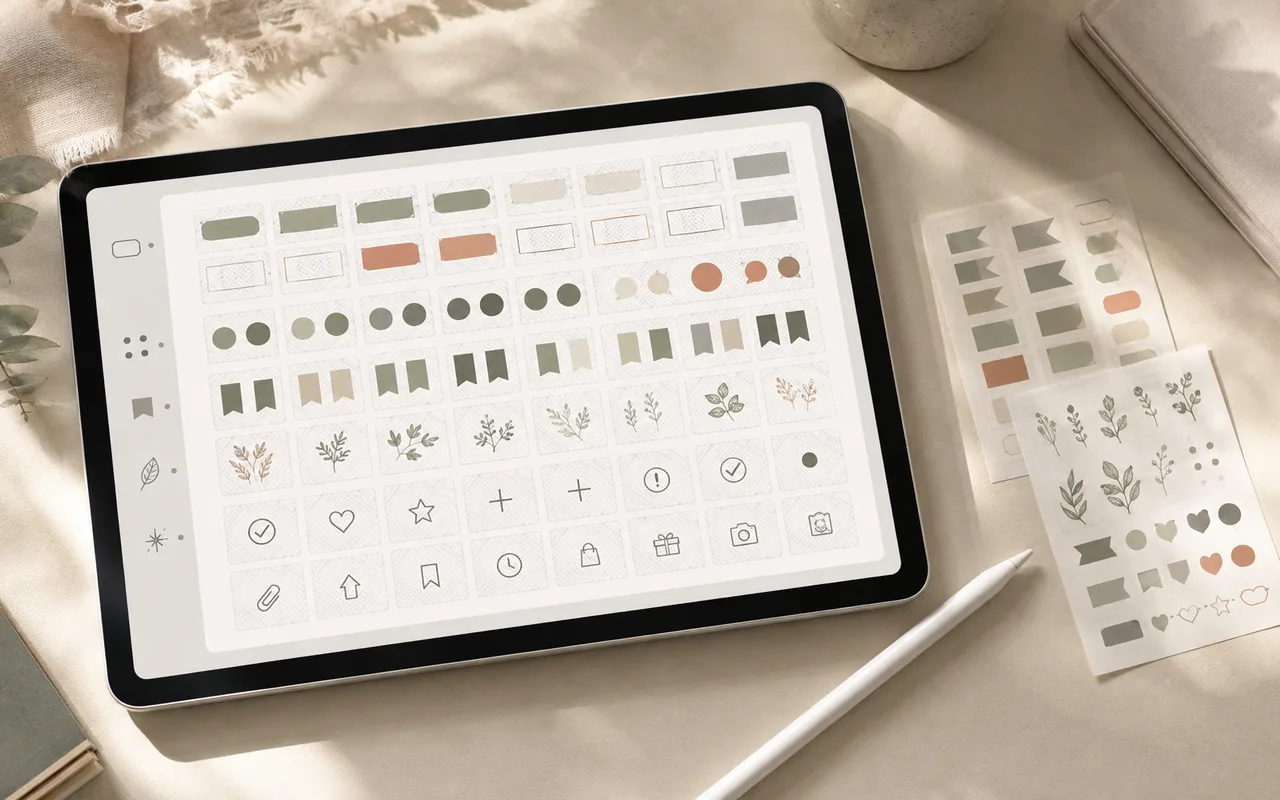 Materials
Keep useful visual materials searchable without turning your files into another place you need to manage.
Read tutorial