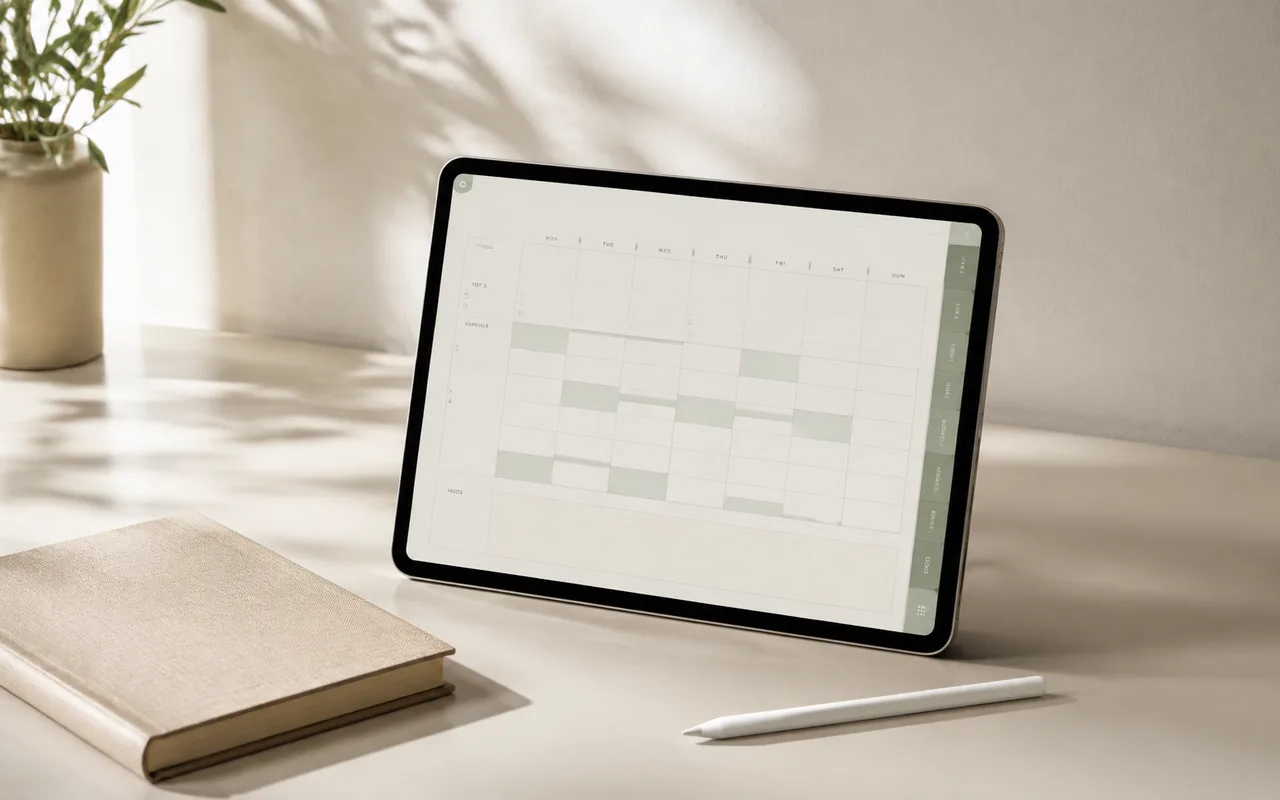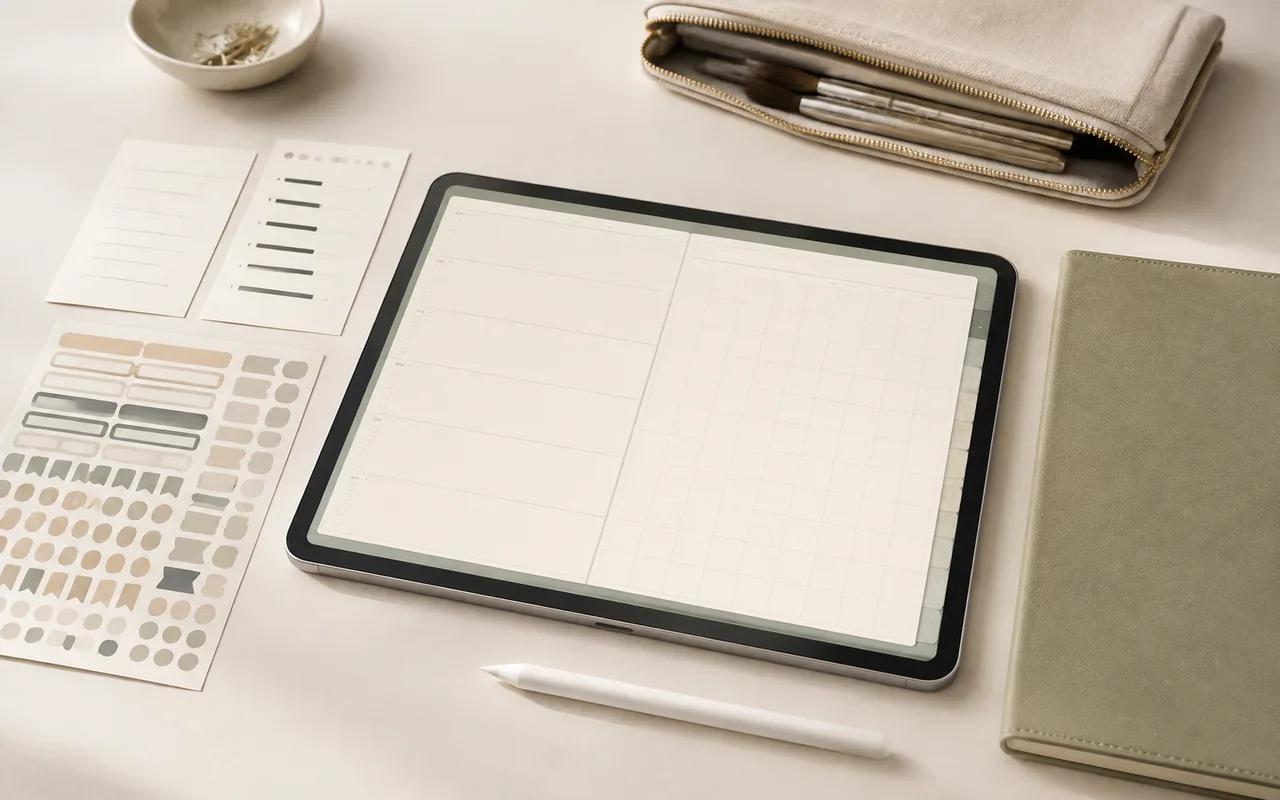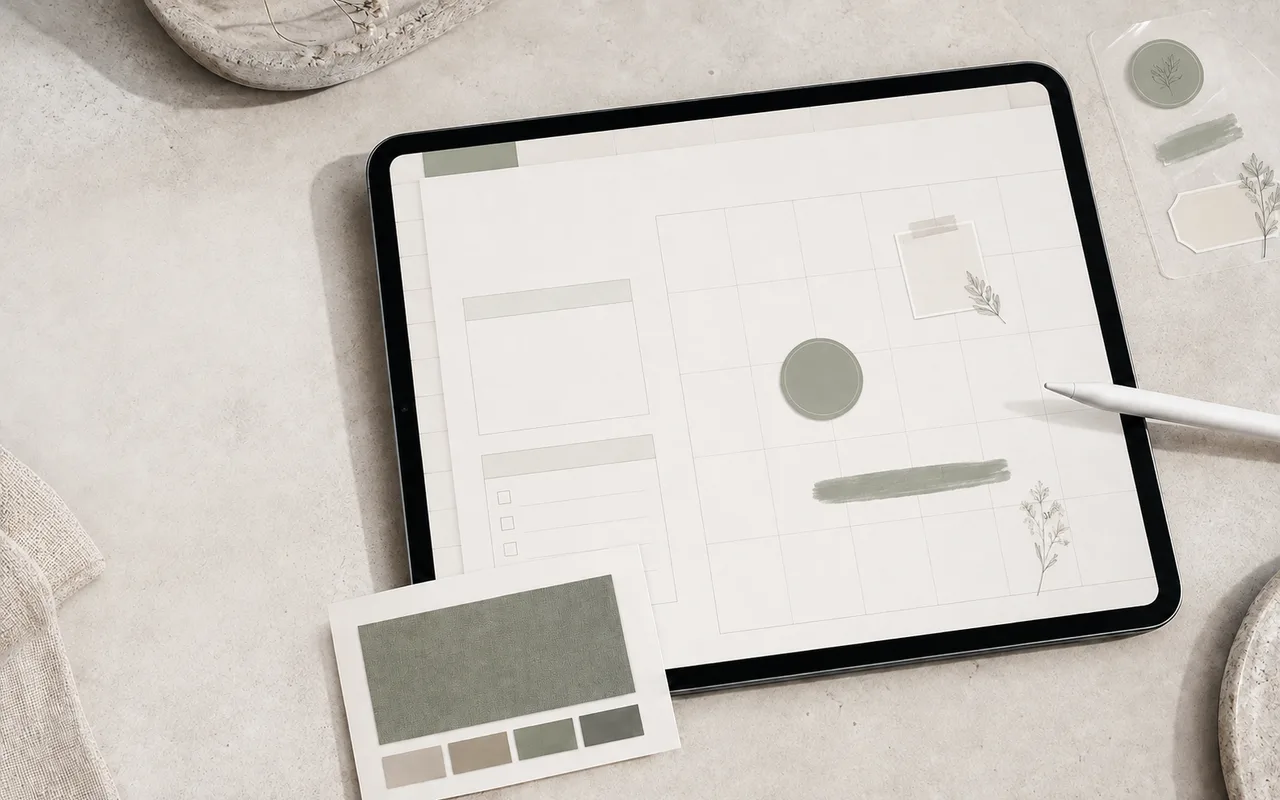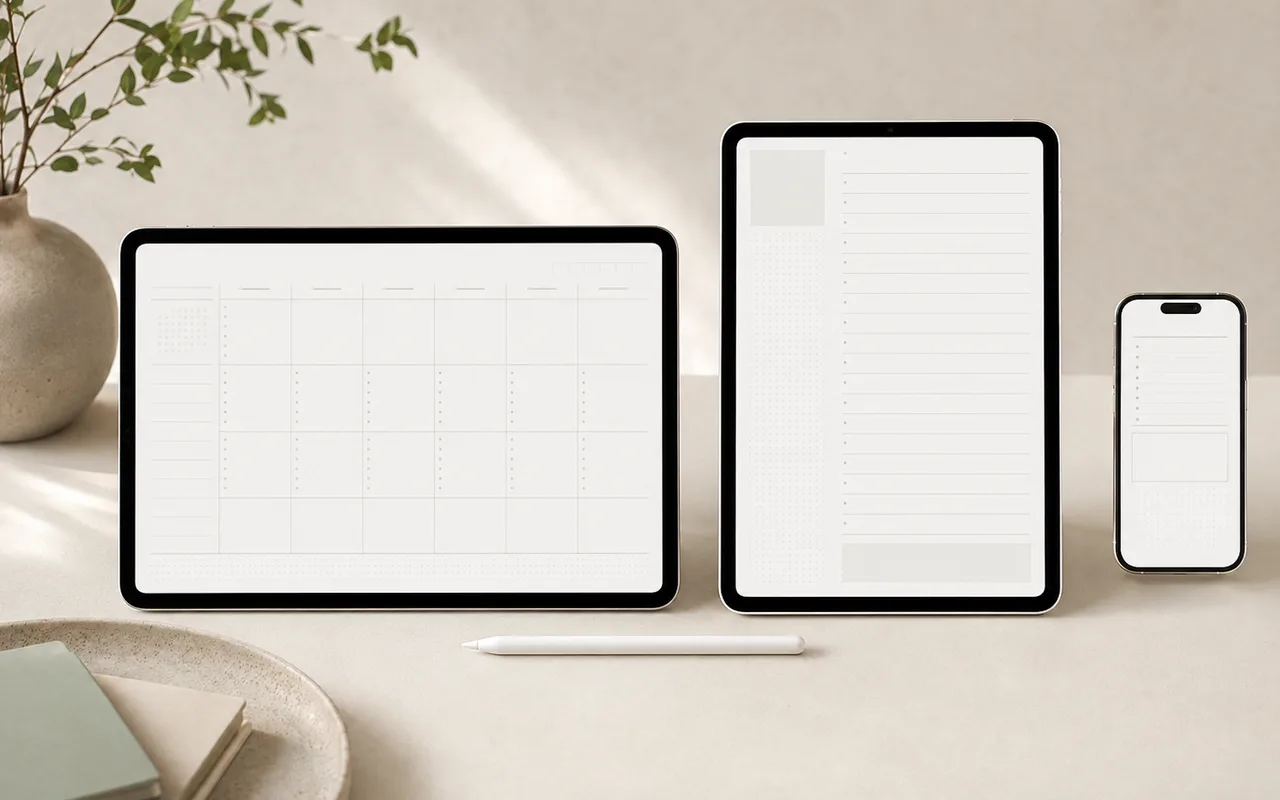
The best layout is the one that stays comfortable during the moments when you actually plan. Screen size, split-screen use, and handwriting style matter more than aesthetics alone.
Step 1
Choose landscape for overview
Landscape layouts work well on tablets in horizontal orientation and make room for week spreads, project boards, and side-by-side notes.
Step 2
Choose portrait for writing
Portrait layouts feel closer to a traditional notebook and are comfortable for journaling, class notes, and single-column daily plans.
Step 3
Choose mobile for capture
A phone-first planner should use larger targets, short sections, and less dense information. It works best for quick capture and review rather than long handwriting sessions.
Step 4
Run a three-minute test
Preview the same page in each orientation. Write two lines, open the keyboard, and try split screen. Choose the layout with the fewest adjustments.
Before you finish