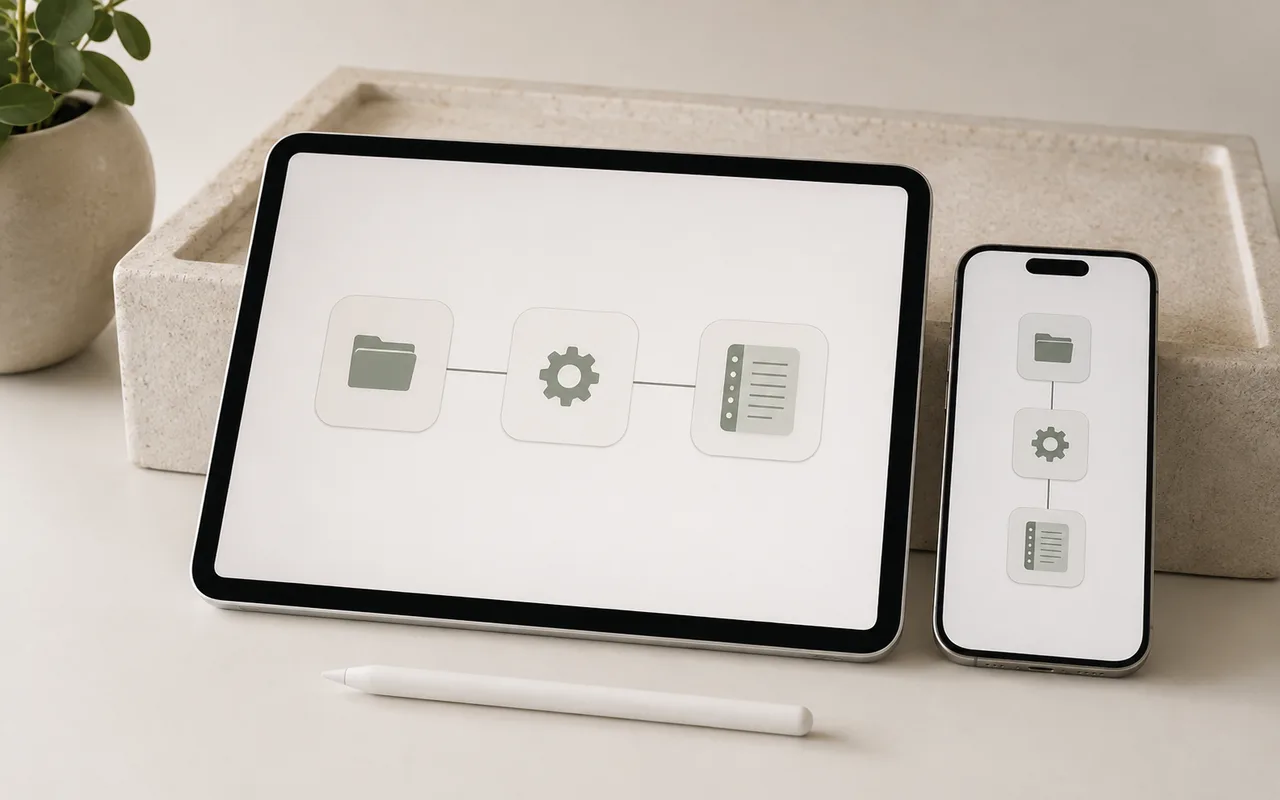
Apple Shortcuts can ask one or more apps to complete a task. Planner's own shortcut connects supported Planner features to those automations, making common digital planning actions faster and more enjoyable.
Step 1
Confirm that your device is supported
Shortcuts is an Apple feature, so the Planner Shortcut is available only on iPad, iPhone, and Mac.
Step 2
Install the Planner Shortcut
Importing the shortcut takes only a few steps.
- Open the Planner Shortcut installation link in Safari.
- Add the shortcut to your iPhone, iPad, or Mac.
- Follow the setup prompt and choose the digital planning or note-taking app you normally use.
- Leave the shortcut's name and actions unchanged, then use it from supported Planner features.
Before you finish
Quick checklist
Next stepApply one change before reading another tutorial.Explore planners