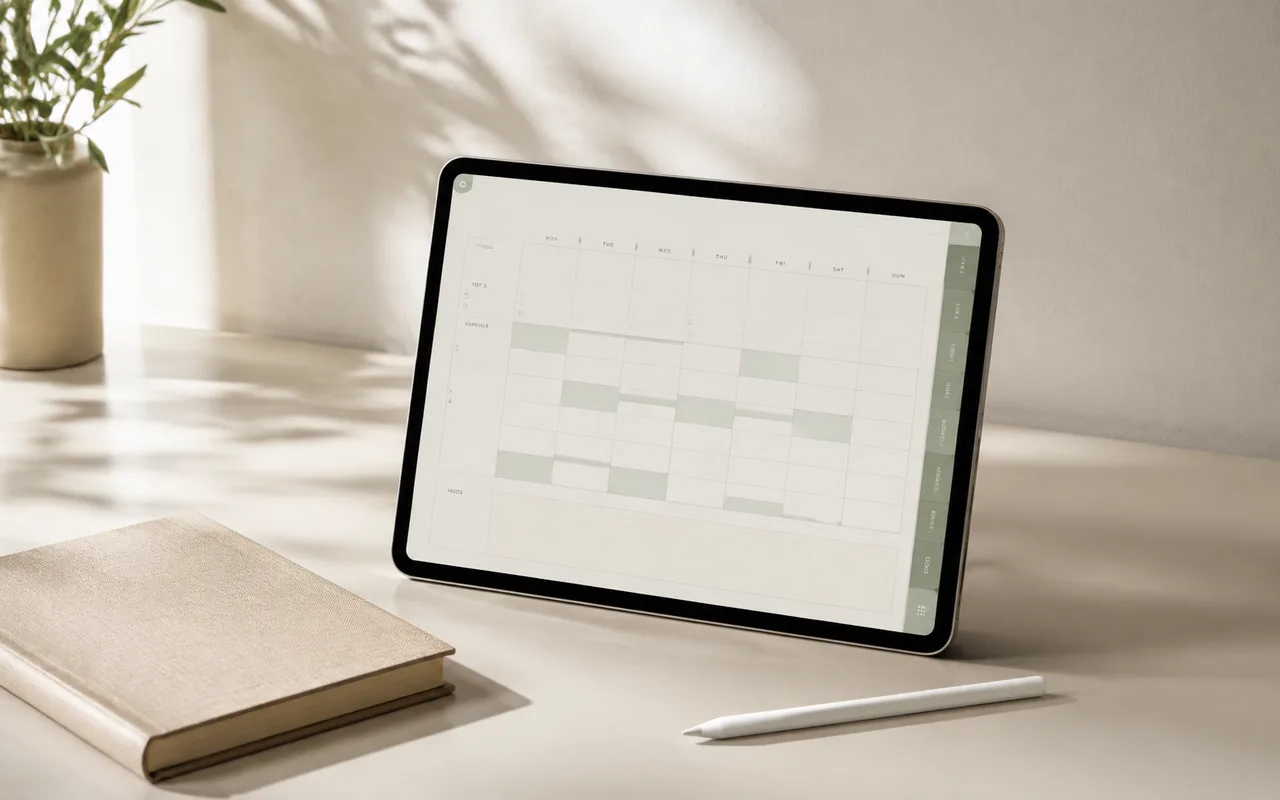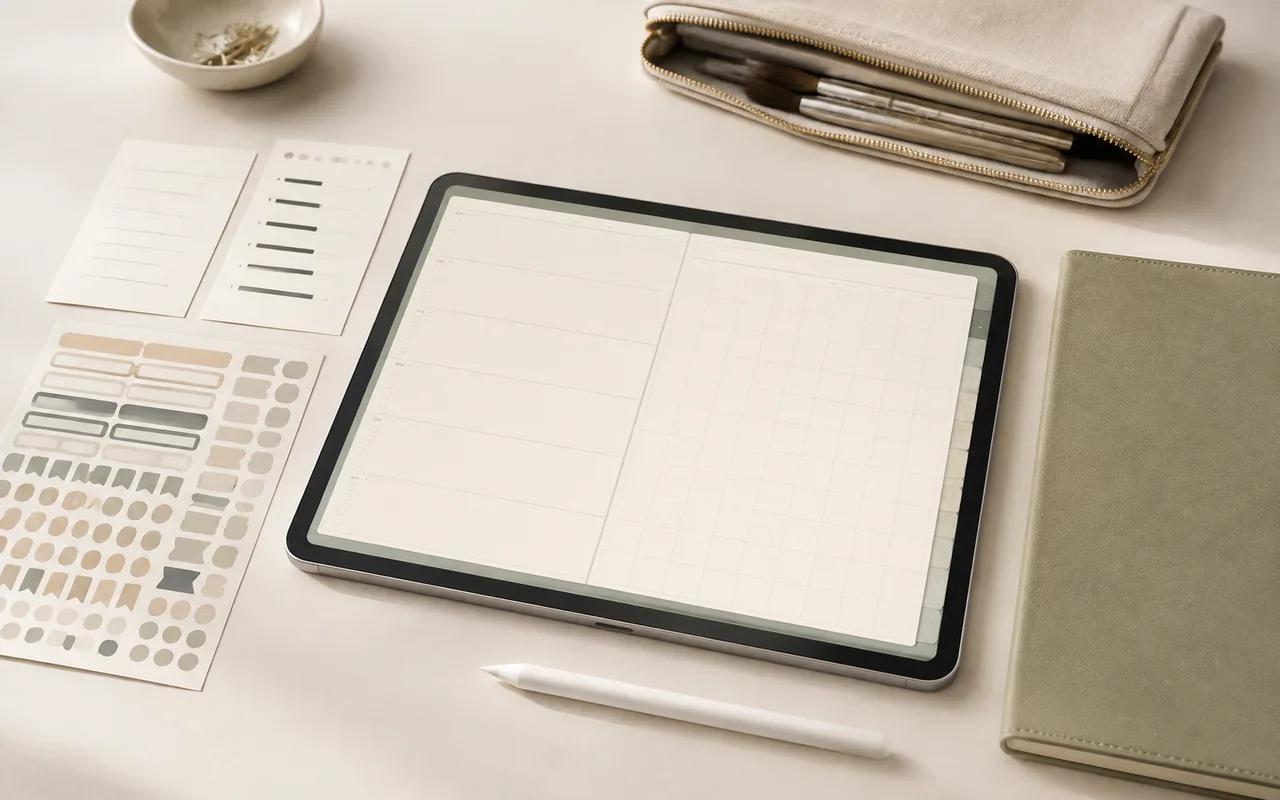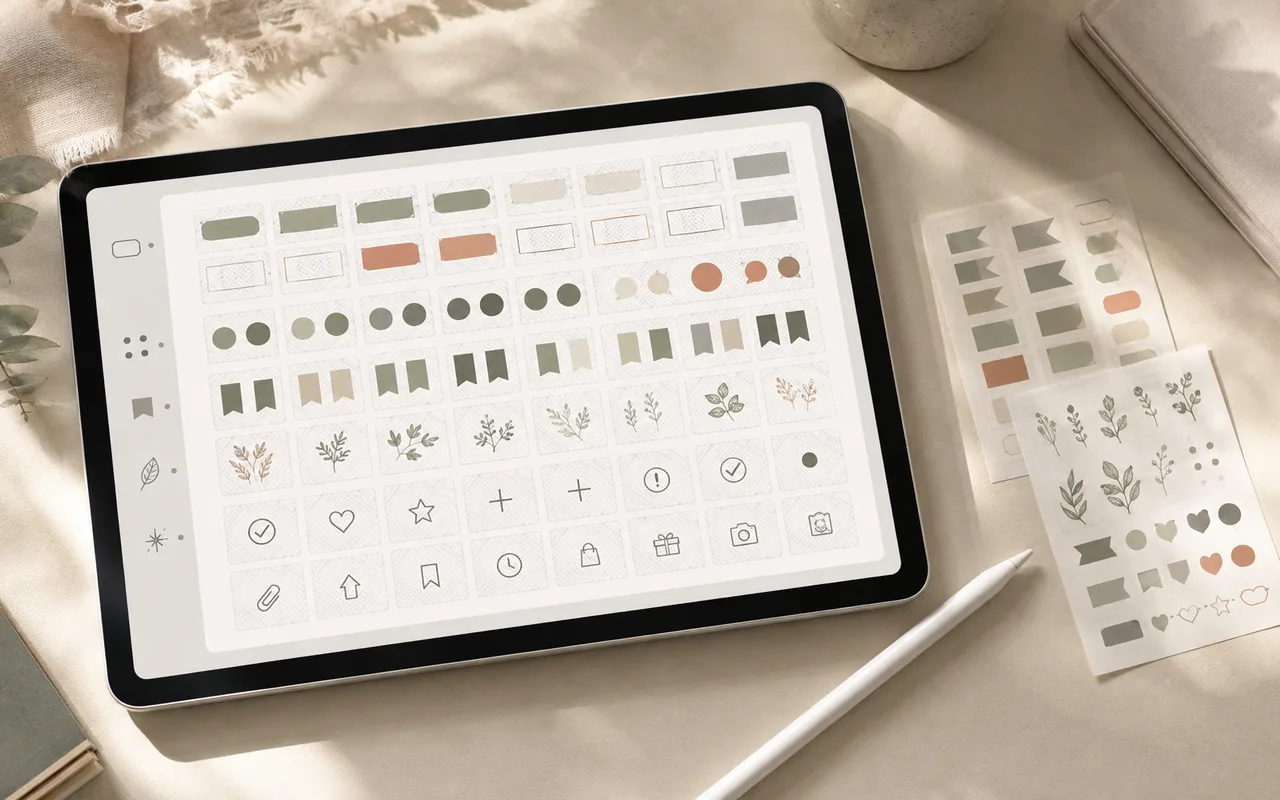
A sticker library is valuable when it reduces repeated work. Organize around how you search—status, subject, or routine—rather than where an asset came from.
Step 1
Save only reusable pieces
Keep labels, marks, icons, and decorations that you can imagine using at least twice. Archive novelty assets elsewhere.
Step 2
Use a small tag vocabulary
Start with five to eight tags such as planning, study, wellness, labels, seasonal, and minimal. Add detail only after a repeated search fails.
Step 3
Prepare transparent files
PNG files with transparent backgrounds place cleanly on most paper colors. Use a background-removal tool when the source image has a flat unwanted backdrop.
Step 4
Create working albums
Albums should answer a task: weekly setup, course notes, meal planning, or project review. A single asset can belong to more than one album.
Before you finish